11 Must-Have Tools for Event Management Automation
Are you constantly juggling bookings, layouts, and endless guest lists?
It can feel like trying to build a puzzle with missing pieces, especially when you’re racing against the clock.
Event planning moves quickly. You’re expected to manage everything precisely, from last-minute venue changes to demanding client expectations. The pressure to deliver is constant, whether you’re organising a Government & Council briefing, a wedding at a Conference Centre, or a massive Stadium and Arena event.
At the same time, digitisation continues to evolve. As Skift Meetings notes in The Future of Mindful Events, “The future of events lies in creating meaningful personal connections. Therefore, technology should enhance, rather than replace, human interactions, making them more valuable and intentional.”
This is precisely where event management automation becomes a game-changer.
So, how do some planners seem to have it all under control?
You know the pressure. You’ve felt the chaos.
But what if you could eliminate the repetitive tasks and focus more on creating standout moments for your clients and guests?
Before we jump into the tools, let’s get clear on one thing:
What exactly is event management automation, and why is it changing the way events are planned?
What is Event Management Automation?
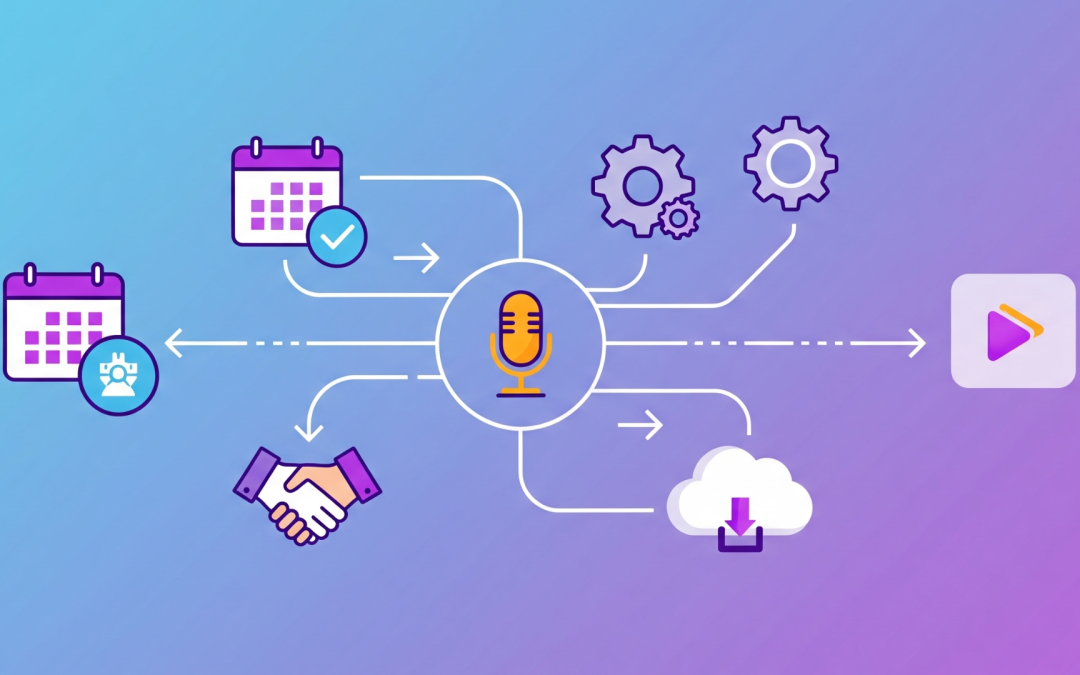
Event management automation refers to the use of digital tools to streamline event planning, management, and delivery.
It connects systems such as event management, event planning, and venue management software to help handle repetitive, time-sensitive, or detail-intensive tasks.
These tools support a wide range of activities, including:
 Automatically updating the guest list when registrations change
- Managing event registration without the need for manual follow-up
- Creating and adjusting event floor plans with accuracy
- Coordinating bookings, spaces, and equipment using venue management tools
- Setting up seating arrangements based on event type and layout
- Hosting sessions or entire programs through a virtual event platform
Automation doesn’t take over the creative side of planning. Instead, it removes delays, reduces mistakes, and frees up time for you and your team to focus on what makes an event seamless.
This type of support is especially helpful in high-demand environments, such as government and council functions, Convention and Exhibition Centres, Stadium and Arena events, and wedding and conference centre bookings.
As events grow in size and complexity, automation is becoming a central part of how venues and planners maintain efficiency, consistency, and preparedness.
Now that you understand event management automation, the next step is to choose the right tools to support your process.
With numerous options available, it can be challenging to know where to start.
That’s why we’ve compiled a list of 11 essential tools, each designed to streamline your workflow, enhance collaboration, and ensure your events run smoothly.
11 Must-Have Tools for Event Management Automation
The right tools don’t just save time; they also enhance productivity. They help you deliver a smoother, more innovative, and more enjoyable event planning experience.
Whether you’re organising a corporate summit, coordinating a Government & Council function, or setting up a concert at a Stadium and Arena venue, these tools give you a reliable system to work with from start to finish.
1. Event Management Software: Your Central Planning Hub
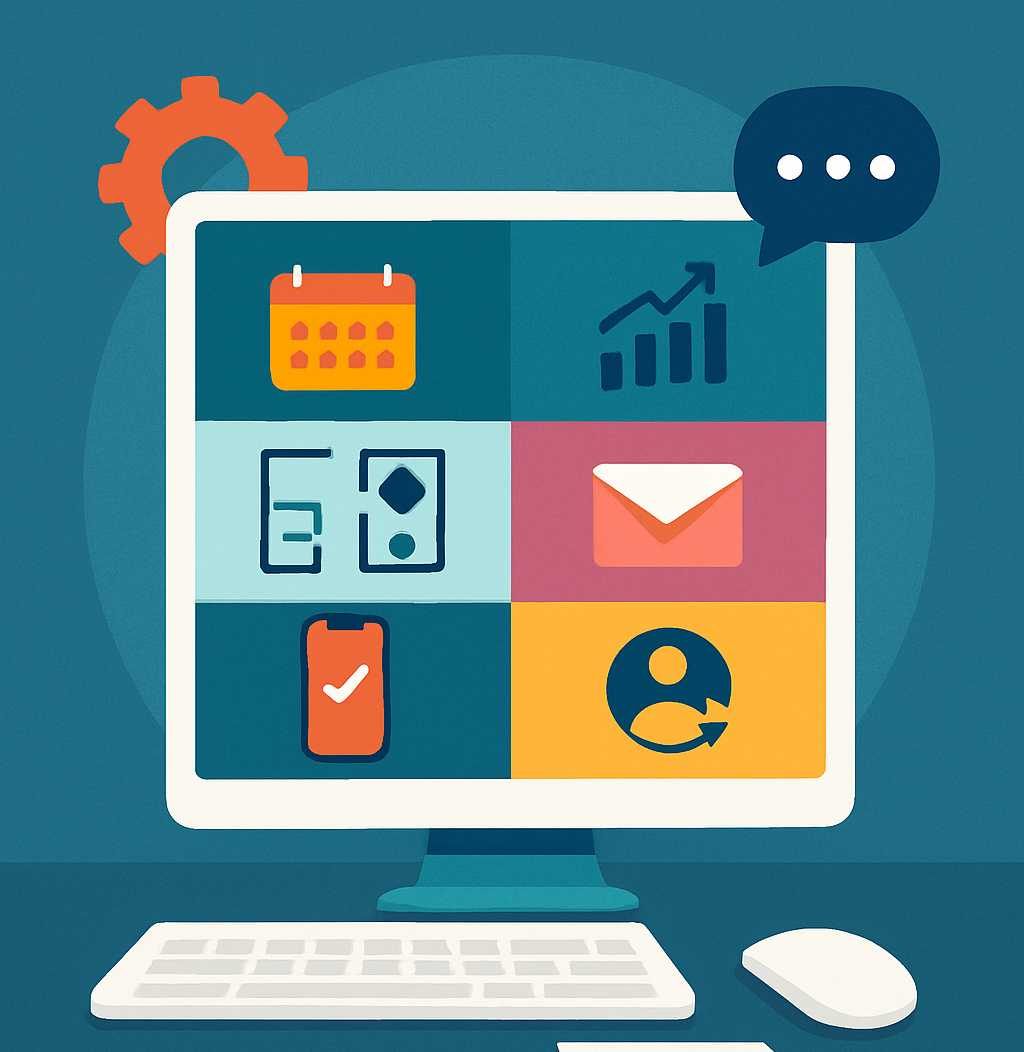
Event management software acts as the foundation of your planning process. It combines all your event details in one place, making it easier to manage every stage with confidence.
You can:
- Assign and track tasks across your team
- Monitor budgets and spending in real time
- Coordinate vendor timelines and responsibilities
- Store guest details, preferences, and dietary requirements
- Maintain communication logs and update schedules instantly
This tool is handy for events with multiple moving parts. For example, a Performing Arts festival may involve multiple performance times, stage changes, and lighting crews, all of which can be tracked and adjusted in a single shared dashboard.
Likewise, Convention and Exhibition Centres hosting back-to-back expos or large-scale conferences can benefit from a centralised view of space bookings, exhibitor details, and keynote scheduling
2. Venue Management Software: Stay Organised and On Schedule
Venue management software helps venue operators manage bookings, resources, and room availability with accuracy and ease. Rather than juggling spreadsheets or cross-checking calendars, this tool gives you a real-time view of what’s happening across your entire space.
You can:
- Automate room bookings and confirmations
- View space availability across days, weeks, or months
- Allocate equipment, staff, or catering needs to each booking
- Prevent scheduling conflicts and double-bookings
- Coordinate with multiple departments or service teams
This type of system is significant for venues with high turnover or shared-use spaces. For example, a government and council facility may host a community meeting in one room, run a training session in another, and prepare for a public forum in the evening.
With venue management software in place, your team can coordinate services, set-ups, and cleaning schedules more efficiently.
In the same way, wedding and conference centres benefit from having all bookings, seating plans, and supplier requirements accessible in one organised platform. This is particularly useful when managing several functions across the same weekend.
3. Event Planning Software: Keep Your Process on Track
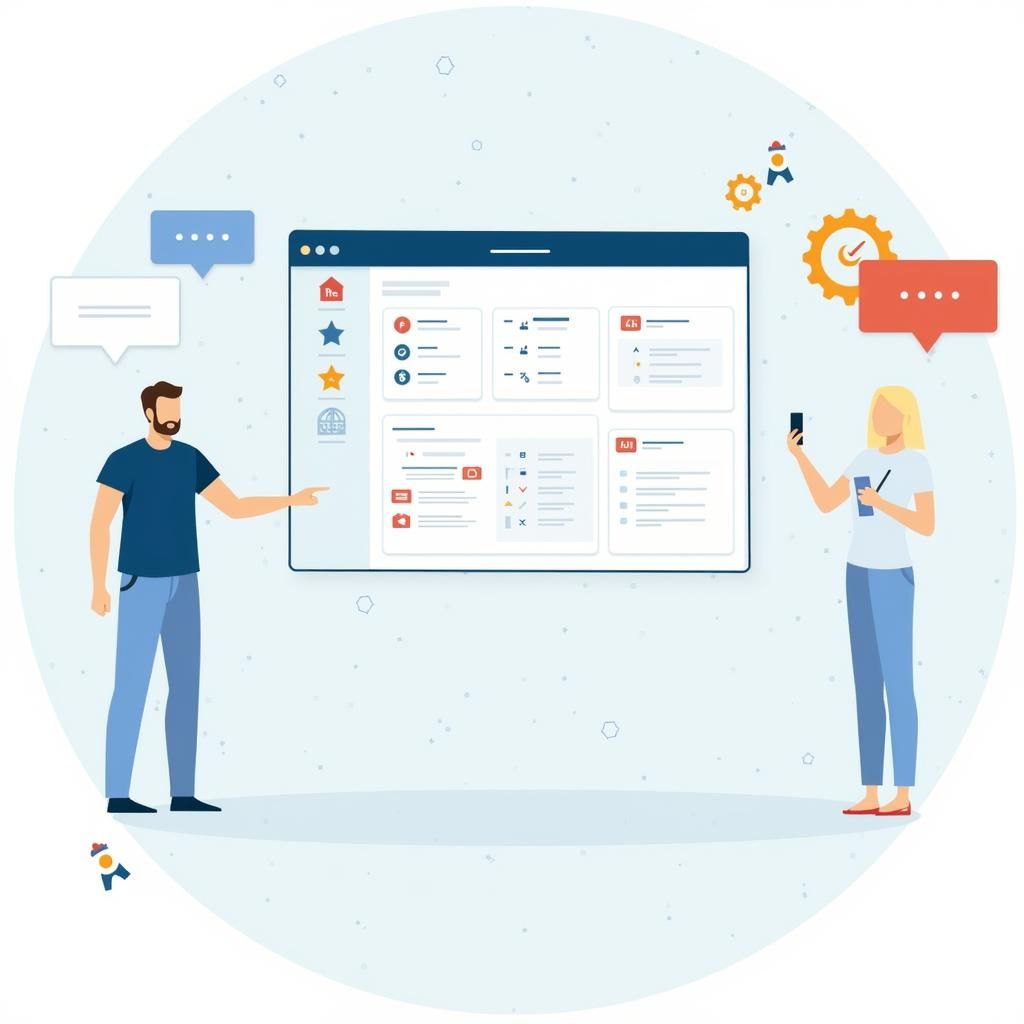
Event planning software provides a structured approach for every stage of your planning journey. Instead of relying on scattered notes, email threads, and guesswork, this tool gives you a streamlined, visual system to track what needs to happen and when.
With this software, you can:
- Build and manage timelines with clear deadlines
- Assign tasks to team members and monitor progress
- Organise vendor details and contract approvals
- Store contact lists, floor plans, and documents in one place
- Centralise communications to reduce confusion
This is particularly helpful for planners managing recurring or multi-day events. For instance, a Performing Arts festival may involve rehearsals, venue changes, media launches, and logistics for opening night.
With an event planning platform, all moving parts can be scheduled and tracked clearly.
Similarly, corporate teams hosting a product launch or roadshow can benefit from shared dashboards and automated checklists that keep everyone aligned across different departments or locations.
4. Event Registration Platforms: Automate Sign-Ups and Check-Ins
Managing registrations manually can quickly become overwhelming, especially as numbers grow. Event registration platforms take the pressure off by automating the entire sign-up process, from initial interest through to on-site check-in.
With these tools, you can:
- Create custom registration forms for different ticket types or guest groups
- Send automated confirmation emails and reminders
- Track attendee status in real time
- Manage cancellations and waitlists with ease
- Integrate with your guest list, seating plans, or CRM system
This approach works well for everything from small workshops to large-scale conventions. For example, a Convention and Exhibition Centre may host thousands of guests across multiple sessions. Using an automated system ensures each guest receives the right access pass, session links, and important updates.
Similarly, Wedding / Conference Centers can collect dietary requirements, seating preferences, and RSVP details all in one place, allowing staff to prepare more accurately and personalise the experience.
By taking sign-ups online and automating the process, you gain time back, reduce human error, and create a smoother journey for every guest.
5. Virtual Event Platform: Host Seamless Online Experiences
As hybrid and online events continue to grow, a reliable virtual event platform is essential. It enables you to host professional, engaging, and interactive experiences for attendees, regardless of their location.
These platforms allow you to:
- Stream keynote sessions, panels, and performances live or on-demand
- Offer virtual breakout rooms for networking or workshops
- Enable live chat, Q&A sessions, and real-time polling
- Share resources, agendas, and speaker bios in one central place
- Track attendance and engagement analytics throughout the event
This is especially valuable for events with a broad reach, such as education summits, remote training sessions, or Performing Arts showcases streamed to the public.
For example, a Universe & Higher Education webinar series can run multiple sessions across different time zones while maintaining a consistent experience for all participants.
Likewise, a corporate conference may incorporate both physical and virtual elements, allowing guests to choose between attending in person or online. The platform ensures everyone has access to the same content, interactions, and support, regardless of location.
6. Attendee Engagement Tools: Build Connections That Last
Keeping attendees engaged isn’t just a nice-to-have. It shapes how people remember your event. Attendee engagement tools enable you to create interactive, two-way experiences that extend beyond passive viewing or attendance.
These tools can help you:
- Launch event apps with schedules, maps, and updates
- Run live polls, quizzes, or Q&A sessions during key moments
- Send push notifications to keep guests informed and involved
- Encourage networking through chat groups or virtual lounges
- Collect real-time feedback as the event unfolds
These features are handy for high-energy events, such as stadium and Arena functions, or multi-day exhibitions held in Convention and Exhibition Centres.
At a product launch or trade event, guests may use live polls to vote on which demo they would like to see next, or they may submit questions directly to speakers during presentations.
In a different setting, Performing Arts festivals often rely on mobile apps to deliver real-time updates, showcase behind-the-scenes content, and gather feedback through short post-show surveys. This keeps audiences involved even after the curtain falls.
7. Marketing Automation Software: Save Time While Reaching More People
Getting the word out about your event takes time and effort. However, with marketing automation software, you can handle outreach more efficiently and stay in front of your audience without manually sending every message or post.
These tools allow you to:
- Create automated email campaigns for different audience segments
- Schedule social media content in advance
- Organise your contact list based on behaviour, interest, or role
- Track engagement and see what’s working in real time
- Trigger reminders and follow-ups automatically
For example, a Casino Resort planning a mid-year gala might use automation to send save-the-date emails, follow up with early bird offers, and schedule final reminders, all without lifting a finger on the day.
In another case, a Performing Arts venue promoting a season of shows could send tailored updates to subscribers, promote specific performances, and boost last-minute bookings with pre-scheduled emails and posts.
8. Feedback and Analytics Tools: Learn From Every Event
Your event might be over, but the learning doesn’t stop there. With feedback and analytics tools, you can capture valuable insights that help you improve planning, delivery, and overall guest experience next time.
These tools allow you to:
- Distribute post-event surveys automatically
- Collect ratings on speakers, sessions, or venue facilities
- Monitor check-in data and attendance across sessions
- Measure satisfaction and engagement in real time
- Compare performance across multiple events
For example, a Convention and Exhibition Centre hosting a multi-day expo can utilise feedback tools to identify which sessions drew the most attention or which areas had the highest foot traffic.
In a different setting, a Universe & Higher Education event might gather attendee feedback to refine academic content or enhance speaker delivery for future symposiums.
9. Project and Task Management Tools: Keep Your Team on Target
Every successful event starts with a solid plan. Project and task management tools help you organise your workflow, assign responsibilities, and keep everything moving forward, without the need for endless check-ins or scattered to-do lists.
These tools make it easier to:
- Break down your event into manageable tasks and milestones
- Assign responsibilities to individuals or teams
- Track progress in real time with visual dashboards
- Set reminders, due dates, and priority levels
- Share files, notes, and updates in one place
Let’s say you’re managing a Stadium and Arena event with multiple performers, suppliers, and teams. A task management tool enables each group to view their deliverables, track timelines, and respond to updates in a timely manner.
Similarly, a wedding or conference centre coordinating multiple vendors for back-to-back events can benefit from shared task boards. This ensures that everyone, from florists to AV technicians, knows what is expected and when.
10. CRM Systems: Build Stronger Client Relationships
When it comes to managing leads, bookings, and long-term clients, a customer relationship management (CRM) system gives you the tools to stay organised and responsive throughout the entire journey.
With a CRM in place, you can:
- Keep track of enquiries, follow-ups, and booking history
- Store contact details, notes, and client preferences
- Automate communication such as quotes, reminders, and thank-you messages
- Set up workflows to manage repeat business or referrals
- Monitor your sales pipeline and see where each client stands
For example, a wedding or conference centre that handles dozens of enquiries per week can use a CRM to personalise communication, log special requests, and ensure nothing gets missed between initial contact and the event day.
Similarly, a government and council facility managing seasonal programs or community events can track recurring organisers, streamline follow-ups, and maintain strong ongoing partnerships.
11. Event Diagramming Software: Visualise and Perfect Your Layout
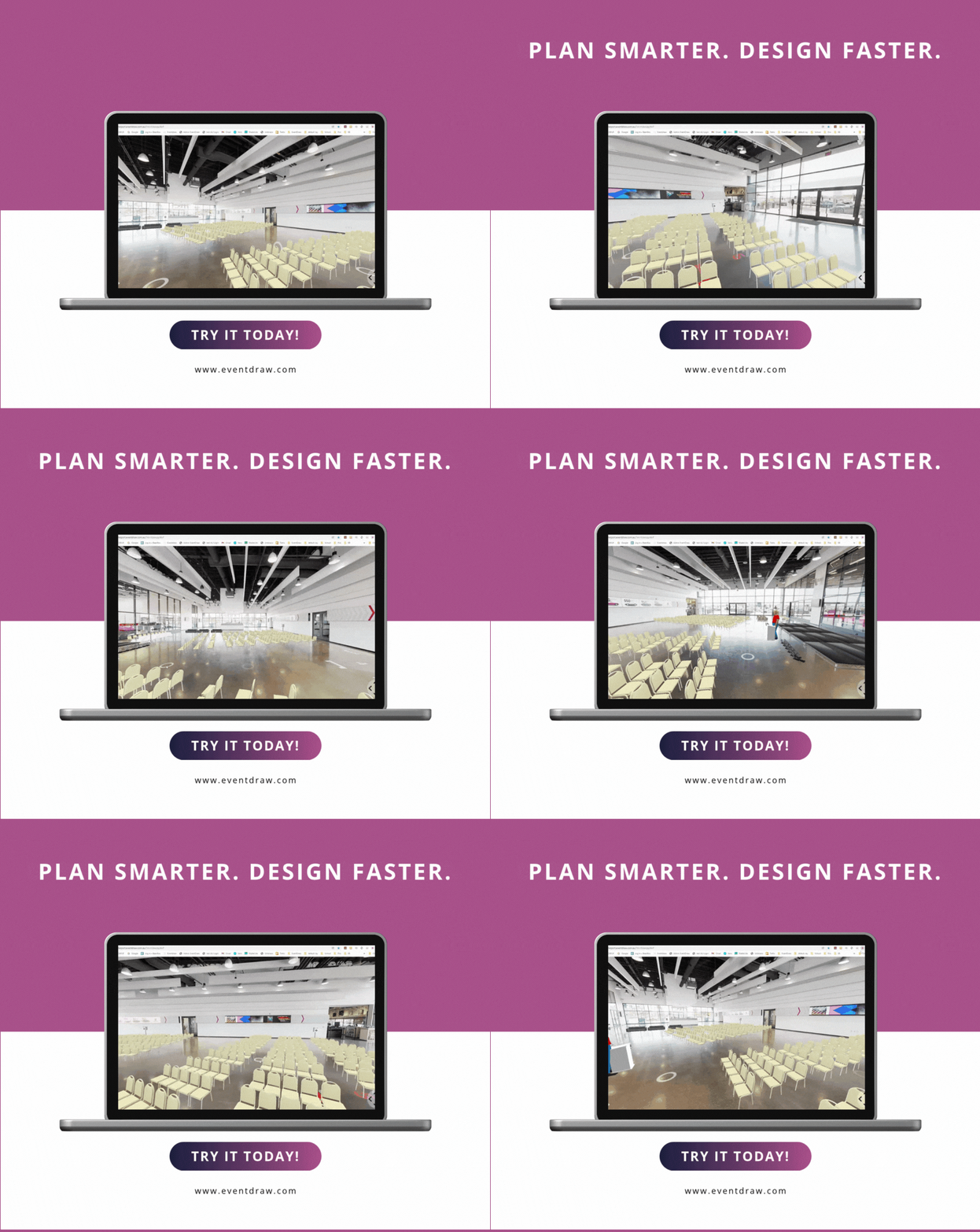
Planning the layout of your event space is more than just placing tables and chairs, it’s about creating flow, maximising space, and helping every guest feel comfortable and welcome. This is where event diagramming software becomes essential.