

If remote event planning is meant to be easier, why does it feel like every day you’re one missed detail away from losing control and losing clients?
You’ve worked 180 hours this month. You planned four events. You missed one deadline, and as a result, you lost a $12,000 client.
You’re not failing. You’re just one of many event planners working remotely, trying to manage multiple clients, seating charts, timelines, and floor plans without ever stepping inside the venue.
It’s like trying to run a wedding from a whiteboard sketch. You never get the chance to walk the room or see how things fit. Without the right event diagramming software, visualising layouts, managing guest lists, and aligning your team becomes a constant uphill battle.
And here’s the worst part: no one talks about how isolating, disorganised, and exhausting it can be.
So if remote work is supposed to save time and increase productivity, why does it feel like you’re barely keeping up?
Let’s dig into what’s holding you back.
What Does Event Planning Remotely Actually Mean?
For many, working remotely as an event planner sounds ideal: no daily commute, no noisy office distractions, and the freedom to work from anywhere. Whether it’s your home office, a hotel lobby, or even a local café, the location becomes flexible—yet the expectations stay high.
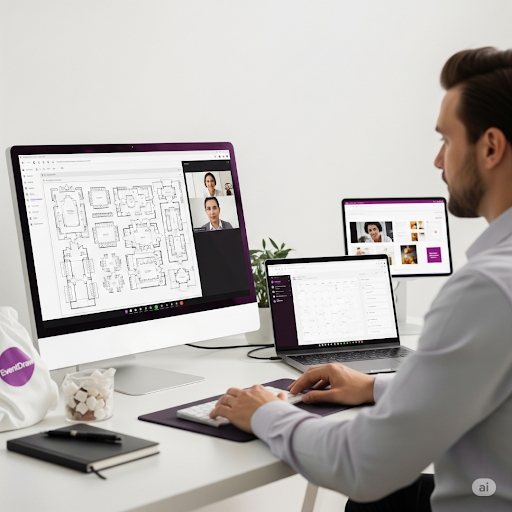
You’re still coordinating venues, managing suppliers, building event floor plans, and overseeing seating arrangements. The only difference? You’re doing it all without being physically there.
As the Forbes Business Council puts it:
“The first advantage and draw of remote work for many leaders is increased productivity. Most people perform better in an environment where they feel comfortable. In addition, commuting and many disruptions, such as noisy colleagues or unnecessary meetings, are eliminated.”
That flexibility is powerful, but without the right tools and structure, it can also become overwhelming fast.
What Makes Remote Event Planning So Challenging?
Being an event planner is already a high-stakes job, but working remotely brings a unique set of challenges.
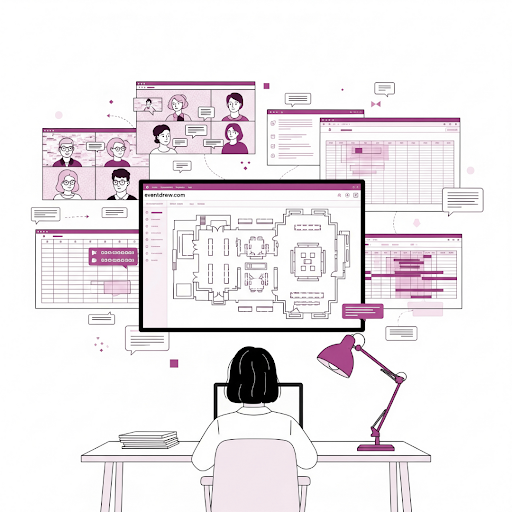
Here are some of the most prominent challenges event planners working remotely often face:
-
Lack of on-site visibility
You’re planning layouts without walking the floor, making it harder to visualise traffic flow or seating gaps.
-
Communication gaps
Misunderstandings with suppliers or clients increase when you rely only on messages and calls.
-
Tool overload
You’re juggling multiple platforms for seating, timelines, and checklists, and they often don’t sync.
-
No easy way to preview
You’re stuck working from spreadsheets and PDFs instead of seeing a true-to-life layout in immersive 3D.
-
Feeling disconnected
It’s hard to collaborate when your team is scattered and there’s no shared visual reference.
What Every Remote Event Planner Needs to Stay Organised
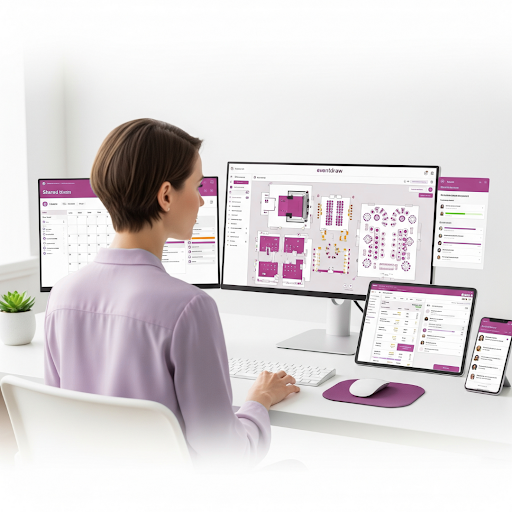
1. Set Up a Clear, Distraction-Free Workspace
Event planners know that layout matters. You wouldn’t design a venue without thinking about flow and functionality. So why approach your home workspace any differently?
Working remotely isn’t just about answering emails from the couch or juggling meetings at the kitchen bench. It’s about creating a space that supports your focus and energy. That might be a quiet corner with natural light, a proper desk setup, and headphones that block out background noise.
Imagine setting up a dedicated spot where every upcoming event has its own folder, your screen displays an immersive 3D event floor plan, and your calendar is always within reach.
It doesn’t need to be fancy. It just needs to feel like your personal command centre, where planning feels purposeful, not chaotic.
Just like a well-crafted event layout, your workspace should help you think clearly, act quickly, and stay in control.
2. Use Collaboration Tools to Keep Everyone on Track
Planning events is never a solo act, even when you’re working in pyjamas from your lounge room. Remote teams still need fast communication, clear task ownership, and shared visibility, especially when it comes to seating charts, suppliers, and venue logistics.
You might be handling client feedback while a team member is updating the floor layout and another is finalising the guest list. If those updates aren’t centralised and synced, details fall through the cracks.
Now imagine this: a shared platform where everyone can view the same event floor plan, make real-time changes, and drag and drop updated layouts or furniture shapes without waiting for email attachments or screenshots. One click shows who’s sitting where, how the room is laid out, and what still needs approval.
That kind of workflow isn’t just convenient. It gives your team clarity, keeps your plans accurate, and helps you focus on what matters.
3. Visualise Every Detail with the Right Planning Tools
You can’t afford to second-guess a floor plan when you’re not physically onsite. That’s where having the right visual tools becomes non-negotiable.
Let’s say you’re planning a wedding layout for 200 guests in a venue you’ve never stepped foot in. You’ve got the floor dimensions and a vague sketch from the venue manager, but no feel for spacing, sightlines, or guest flow.
This is where Event Diagramming Software, with its immersive 3D and photorealistic views, makes all the difference. You can zoom into layouts, rotate angles, and even walk through the space virtually.
From event seating arrangement solutions to furniture placement, everything is mapped with accuracy before a single chair is delivered.
It’s more than just saving time. It’s about confidence. You’re planning with precision, presenting a visual plan your clients can trust, and avoiding layout chaos on the day.
With remote planning, seeing the whole picture is no longer optional. It’s essential.
4. Centralise Communication Before It Scatters
When you’re juggling suppliers, stylists, and venue teams from home, every message counts, and every missed message costs.
Imagine confirming the final event floor plan with your client via email, but your AV team only saw the second draft from two days ago.
The result?
They arrive with the wrong lighting rig and a two-hour delay in setup.
Remote event planning increases the risk of miscommunication. That’s why the most organised event planners working remotely rely on tools that combine design and communication, so changes, layouts, and timelines live in one central place. Think drag-and-drop diagrams, real-time updates, and instant sharing with unlimited users. No more chasing email threads.
It’s not just about being organised. It’s about staying one step ahead, even when your team is spread across suburbs or time zones.
5. Visualise Every Detail Before It Goes Live
You wouldn’t finalise a wedding layout based on a list of table names. So why settle for vague sketches or spreadsheets?
Let’s say you’re planning a conference remotely. The venue sends over a static PDF, and you’re left guessing how the seating and stage will actually look.
When the client reviews the setup, they point out the obvious. Somehow, the keynote speaker is sitting behind a pillar.
Event planners working remotely can’t afford to “hope it works.” You need tools that allow you to view the entire event floor plan before any bookings are made. That means photorealistic visuals, flexible event seating arrangement solutions, and the ability to preview spaces in immersive 3D, even when you’re nowhere near the venue.
When you can walk through the plan virtually, your team and your client can too. That clarity saves time, builds trust, and stops last-minute disasters before they start.
6. Communicate clearly with suppliers, stylists, and AV teams
When you’re not onsite, even the slightest misunderstanding can cause major hiccups on event day. One incorrect furniture specification or overlooked AV requirement can undo hours of planning.
That’s why clear, visual communication is everything.
Instead of back-and-forth emails trying to describe table placements or stage configurations, send your teams detailed, visual event floor plans.
Use tools that allow you to map out seating arrangements, staging, and equipment zones in both 2D and immersive 3D views, ensuring nothing gets lost in translation.
When suppliers and stylists can see exactly where everything belongs, they arrive prepared. No last-minute surprises. No extra calls on event day.
You’re not just managing suppliers. You’re aligning every moving part of the event with precision.
7. Track your wins (and your misses) to refine your process
When you’re juggling multiple events from home, it’s easy to move from one to the next without pausing to reflect. But that’s where growth happens.
Take time after each event to review what worked and what didn’t.
Did the layout flow well?
Were there bottlenecks during guest entry?
Did suppliers understand the Event Floor Plan, or were there last-minute fixes?
Use those insights to adjust your plans.
Rely on event diagramming software that stores past layouts, tracks changes, and helps you build a more innovative, repeatable system.
Remote work doesn’t mean flying blind. It means learning fast, adapting quicker, and turning every event into a more streamlined version of the last.
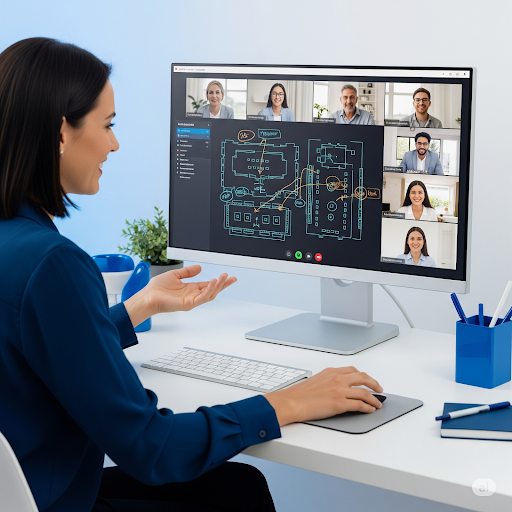
What Tools Can Help Remote Event Planners Stay on Track?
When you’re planning events from home, your tools become your venue.
You’re not walking the room. You’re not meeting the client face-to-face. Every detail, from staging to seating, must be visualised, shared, and signed off without ever being on-site.
Because of that, spreadsheets and static PDFs just don’t cut it anymore.
The most dependable event planners working remotely now rely on Event Diagramming Software designed for clarity and speed.
This kind of tool goes beyond basic visuals. It acts as your virtual venue, giving you control over every layout detail from anywhere.
Look for software that lets you:
- Drag and drop your Event Floor Plan in detailed 2D and Immersive 3D
- Build flexible, accurate Event Seating Arrangement Solutions with ease
- Share photorealistic and 3D transparent layouts with clients and suppliers
- Access thousands of furniture shapes to map out any venue setup
- Allow unlimited users to collaborate on unlimited plans
- Sync with your Venue Management Software to avoid double-handling
These tools are more than just pleasant to have. For event planners working remotely, they’re essential.
Professionals planning events at Stadium and Arena venues, Convention and Exhibition Centres, or wedding and conference centres are already using these features to deliver flawless experiences, without ever stepping foot in the room.
Even complex setups for government and council events, as well as casino resorts and Hotels, become easier when your planning tool lets you preview every detail in 3D before the event day.
And if you’re wondering where to start?
Many planners quietly turn to software like EventDraw, known for its simple drag-and-drop interface and scalable planning options.
When your tool gives you the whole picture, planning becomes clearer, faster, and far less stressful.
Final thoughts: Could One Tool Have Saved That $12,000 Client?
Remote event planning doesn’t have to mean working in the dark. The most successful planners today rely on Event Diagramming Software that turns guesswork into precision.
You see the entire layout, collaborate in real-time, and adjust seating arrangements effortlessly, all before the first chair arrives.
EventDraw gives you that power without locking you into contracts, charging per user, or capping the number of plans you can create.
It’s a truly flexible Event Seating Arrangement Solution, with photorealistic and 3D transparent layouts that make every decision crystal clear.
So ask yourself:
If one tool could help you save time, keep your team aligned, and win back the clients that slipped away… would you still settle for static PDFs?
Your next flawless event could already be on-screen.
Are you ready to design it?
See how EventDraw can simplify your workflow, impress your clients, and save you hours on every event.
Your next event deserves more than a PDF.
Request a Demo
Frequently Asked Questions
1. How do I present professional event floor plans to clients when I am unable to meet them in person?
You don’t need to be physically present to deliver a polished presentation. With EventDraw, you can share immersive 3D or photorealistic event floor plans that clients can view and understand instantly.
This lets them walk through the setup virtually, so there’s no confusion, only confidence.
2. What’s the easiest way to manage seating arrangements for multiple events happening in the same month?
EventDraw’s Event Seating Arrangement Solution makes it simple to organise, adjust, and save multiple versions of floor plans. You can reuse layouts, duplicate designs, and tweak seating as needed without starting from scratch each time.
3. Can I give my stylists and AV suppliers access without needing to buy separate licences?
Yes. EventDraw offers unlimited users and unlimited plans across all packages. That means your entire event team such as stylists, AV teams, and caterers can log in, view the Event Floor Plan, and stay aligned without incurring extra costs or needing additional permissions.
4. How can I track changes when clients request last-minute layout edits?
With Event Diagramming Software like EventDraw, every change you make is instantly visible and shareable. You can revise, save, and re-send event floor plans in minutes, keeping everyone on the same page, even when time is tight.
5. What if I need to design custom zones for styling, staging, or guest flow?
EventDraw gives you the freedom to create your own custom shapes and zones. Whether you’re blocking off VIP lounges, vendor booths, or dance areas, you can map them out visually using a vast library of over 5,000 furniture and layout elements.
6. Do I need to be tech-savvy to use event diagramming software?
Not at all. EventDraw is designed to be user-friendly with a simple drag-and-drop interface. Even if you’re new to venue management software or working remotely, you can build clear, accurate layouts in just minutes.
7. Can this help if I’m working with different types of venues, such as stadiums, wedding venues, or conference centres?
Absolutely. EventDraw is used across a wide range of industries from Stadium and Arena events to Casino Resorts and Hotels, government and council gatherings, Performing Arts, and university and higher education functions.
No matter the venue type, the platform adapts to your needs and supports visual planning at scale.